Teach the class.ManGuru doesthe paperwork.
Plan lessons, give and grade tests, and see which students need help. Guru the owl drafts the first version of the work. You decide what goes out.
On iPhone, Android and in any browser.

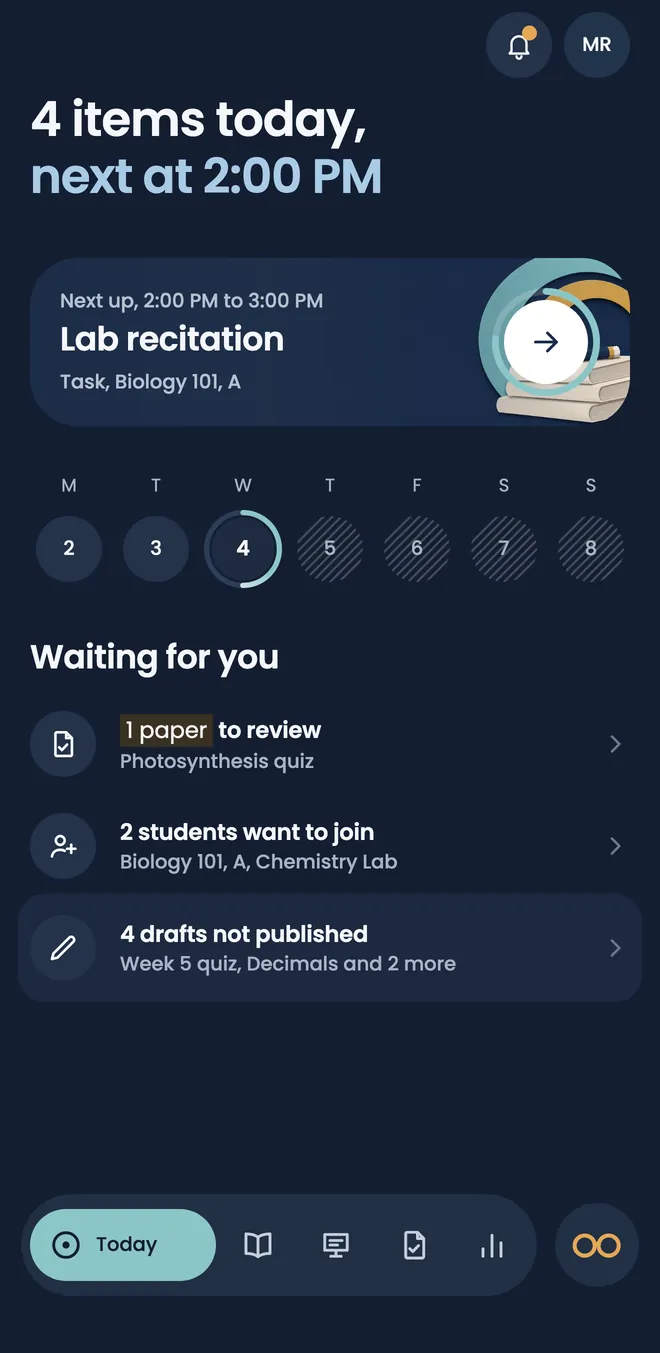


Lesson plans, answer keys and gradebooks take the evening. Guru drafts the first version of each. You read it, change it and decide what goes out.
See it move
A teacher’s week in under half a minute: Today, a quiz from Guru, a student taking it, grading, who needs help, and a live class.
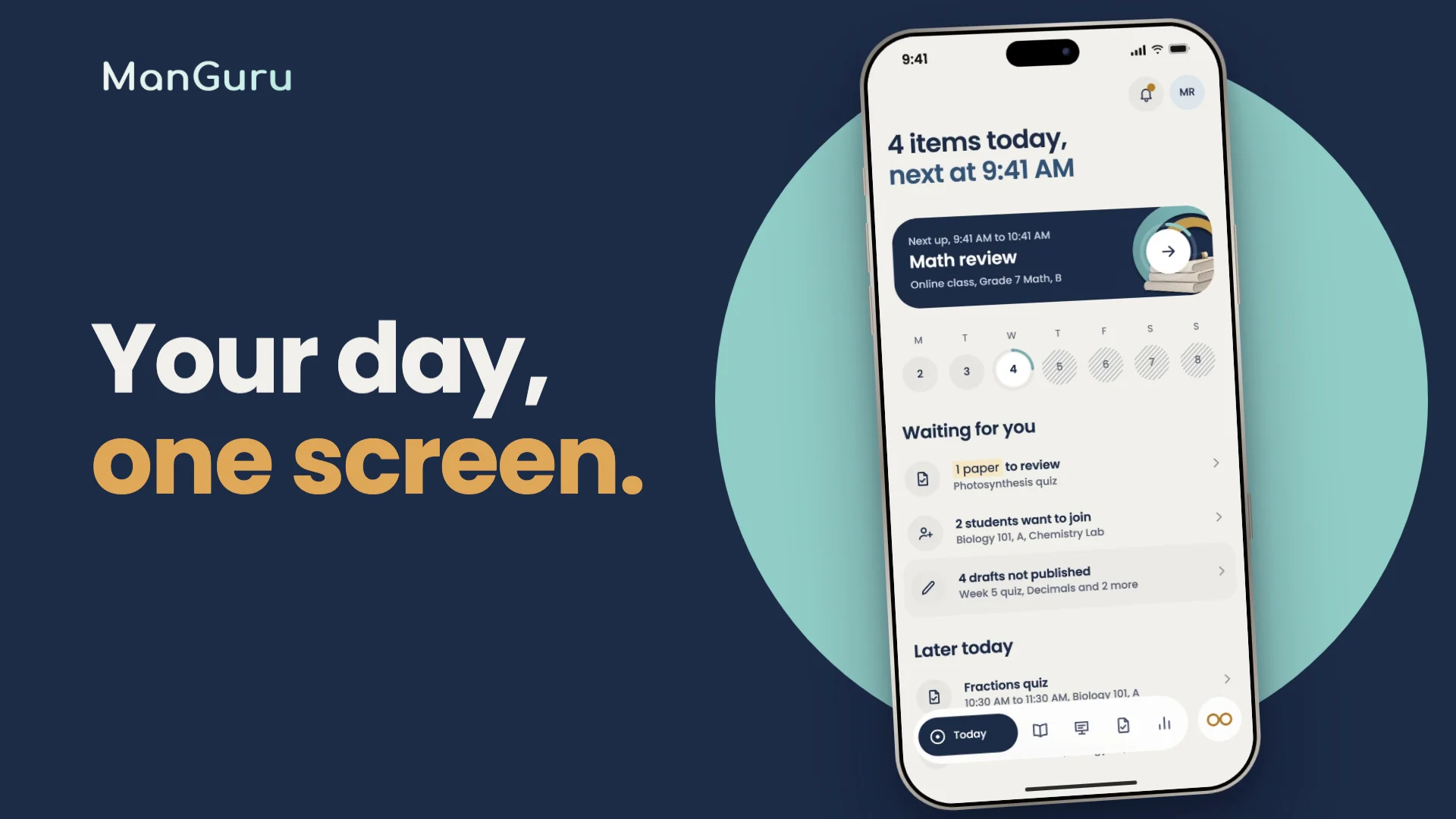
What follows you home from school
Plan lessons
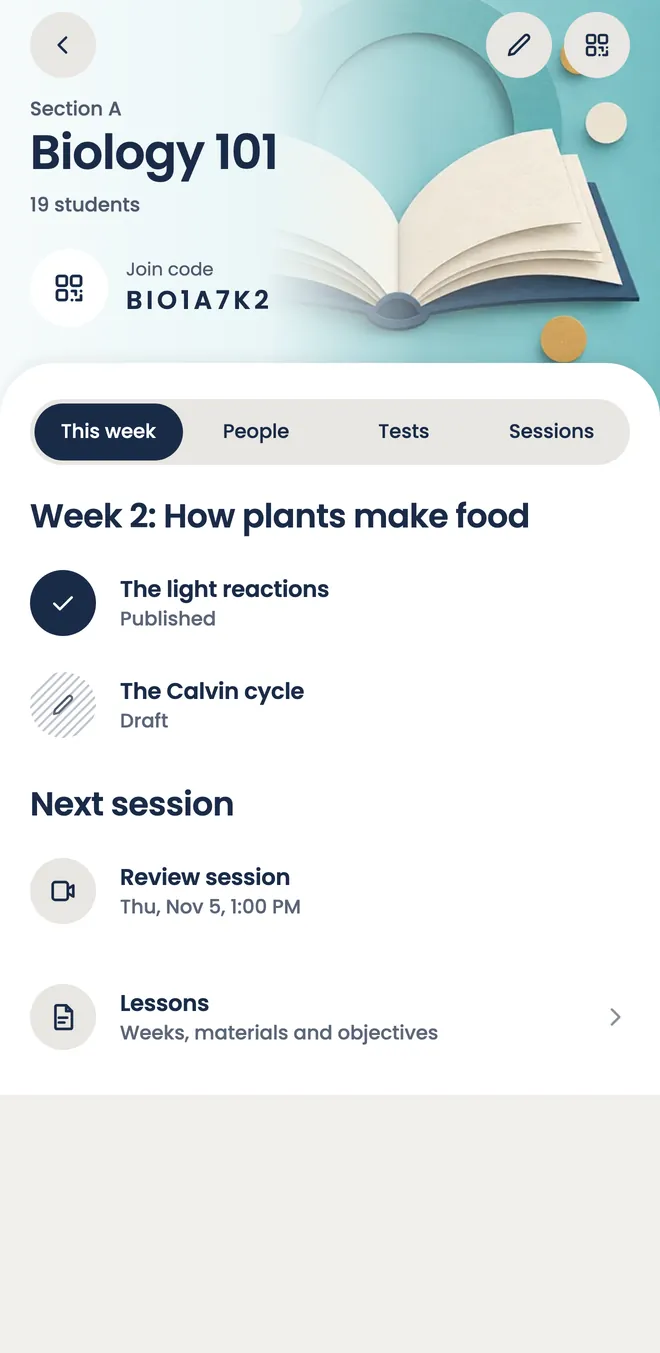
Open a class and its week is already laid out. Add the objectives and the readings, tick objectives off as you teach them, and publish a lesson when students should see it. Scan a printed page to add it to the lesson.

Give tests
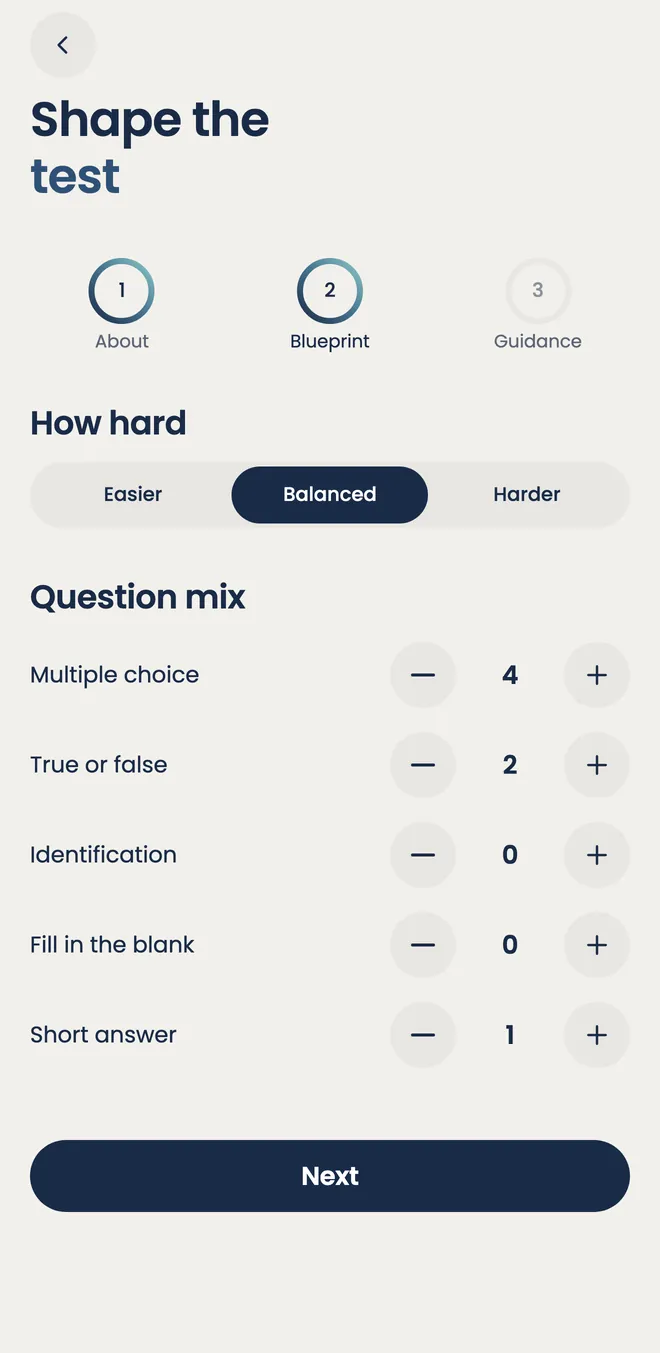
Say what the test is about and how hard it should be. Guru drafts the questions from your own lesson pages. You edit, run the checks, and publish. Multiple choice marks itself. You grade the written answers and release the results when you are ready.

See who needs help
As grades come in, ManGuru shows the class average and names the students worth a look: the one whose average is sliding, the one with tests still not done. You find out before the report card does.



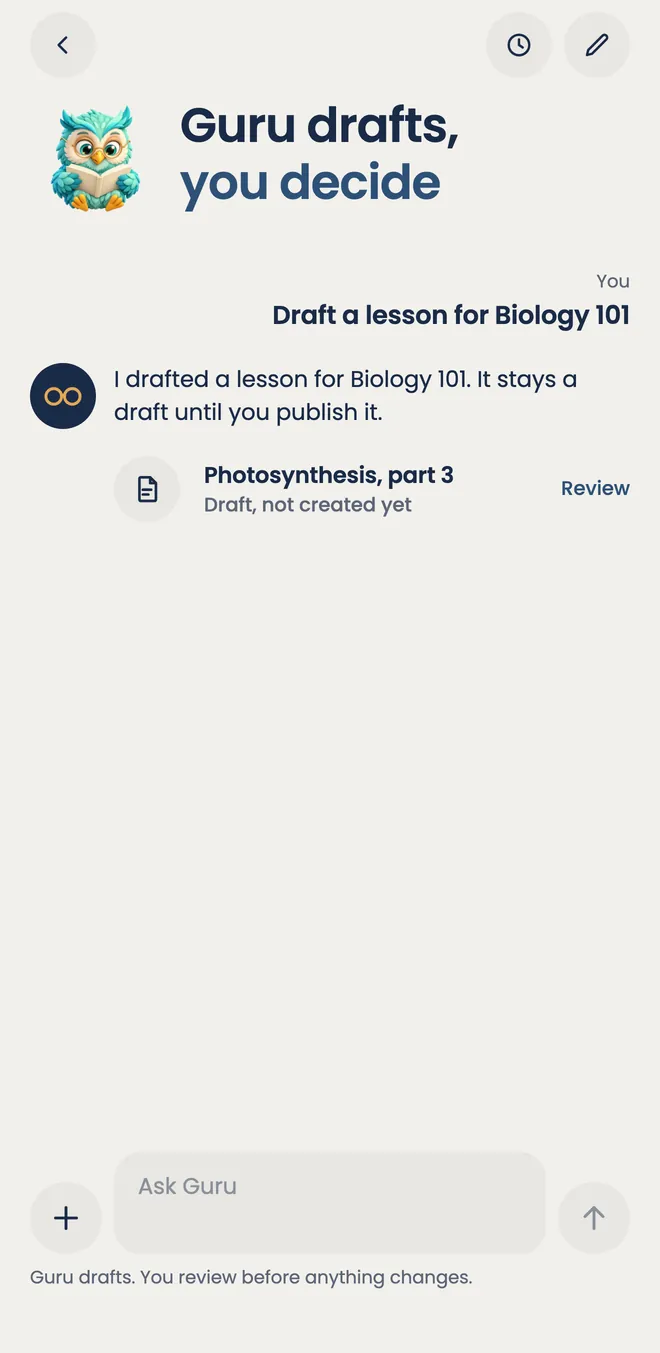
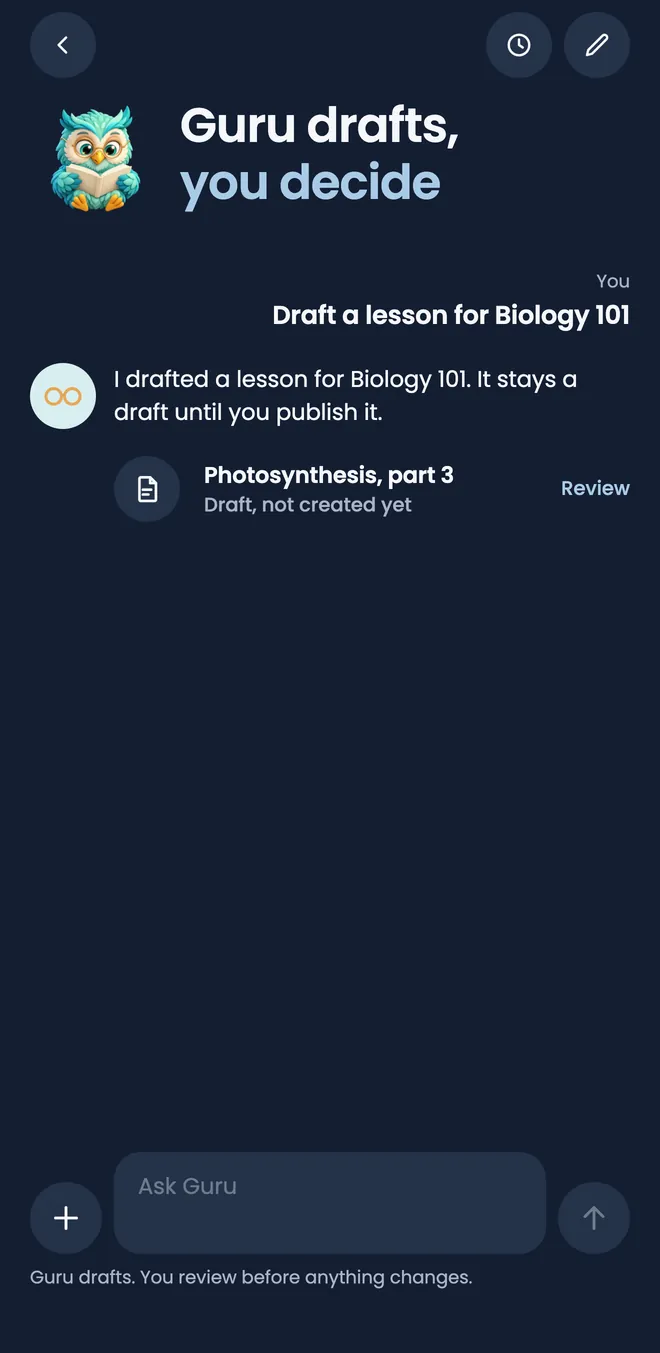
Guru drafts. You decide.
Ask for a quiz on adding fractions and Guru drafts a test for you to read through. It can also draft a lesson plan or set up a class. Each one waits for you to confirm it, and a test stays a draft until you publish it.
- Grade 7 Math, Week 4Make a 10 question quiz on adding like and unlike denominators.
- Follow-up on the same draftAdd a rubric for the word problems.
- A lesson plan to editDraft next week’s lesson.
- Guru proposes, you confirmSet up a class for Grade 8 Science, section B.
Nothing reaches a student until you review it and publish it.



On the other side of the desk
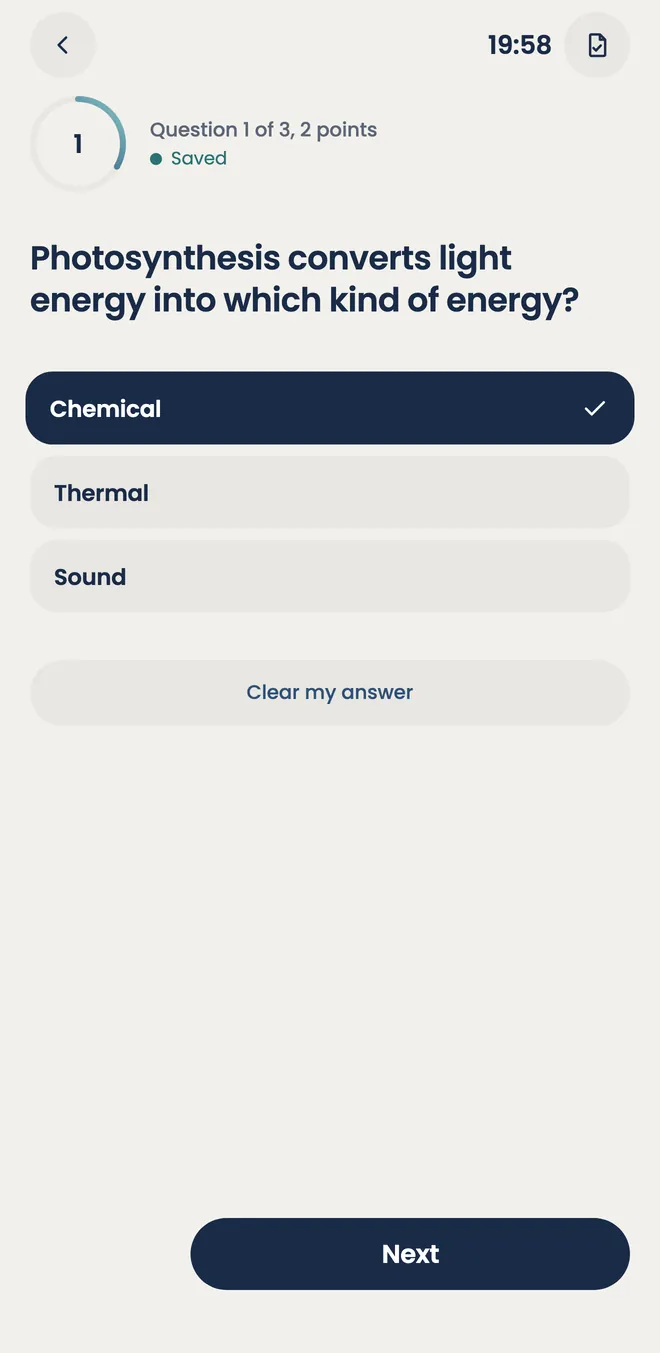
A student opens the test from Today, answers on their phone, and hands in. Then they wait for you, not for a screen to refresh.
- Answers save as they are picked. A test left half done waits on Today until the student comes back to it.
- A timer when you set one, and a list of questions to jump between before handing in.
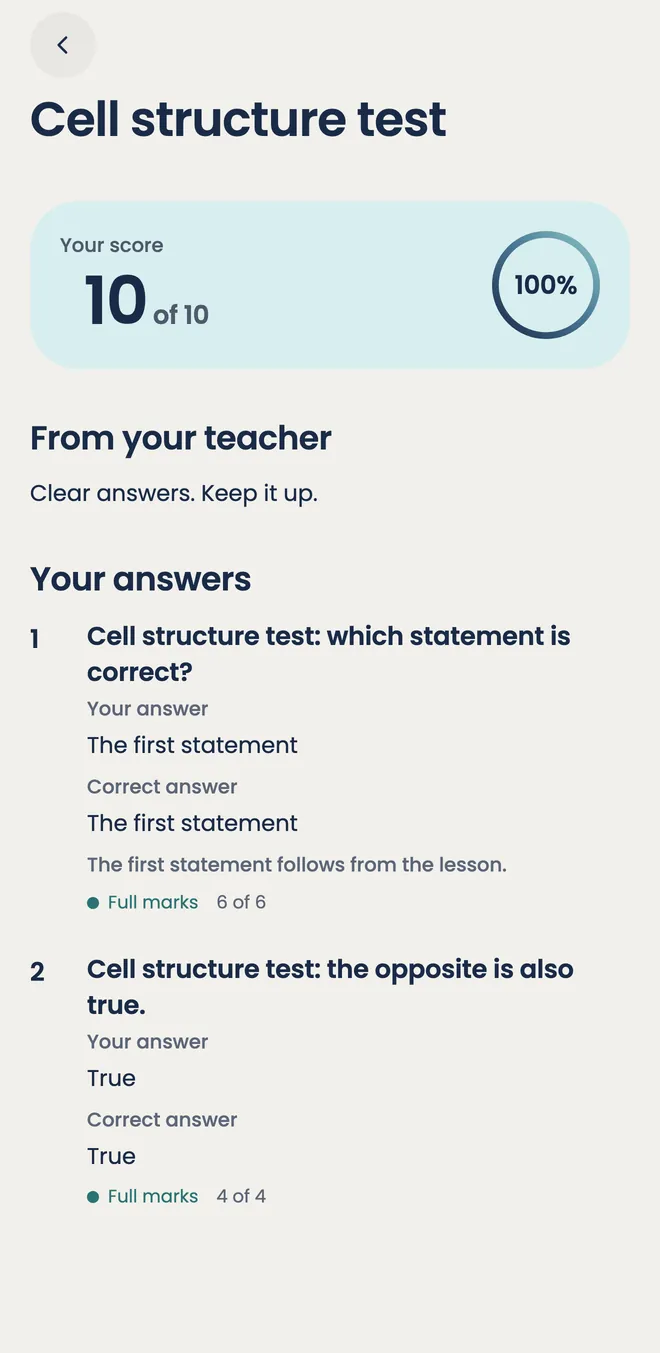
- Results arrive when you release them: the score, the right answers and a note from you.
Hold the class here. Keep Google in step.
Live Classroom
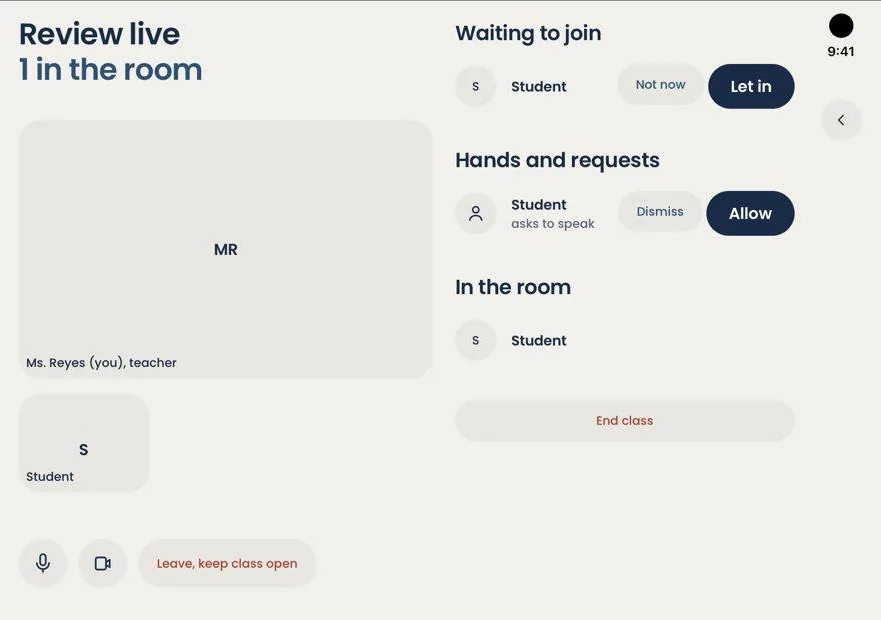
Start an online class from the app, or attach a Meet, Zoom or Teams link and let students join from their Today screen. In the app’s own room you let students in, allow a raised hand to speak, and end the class when you are done.
- In the app
- Meet
- Zoom
- Teams
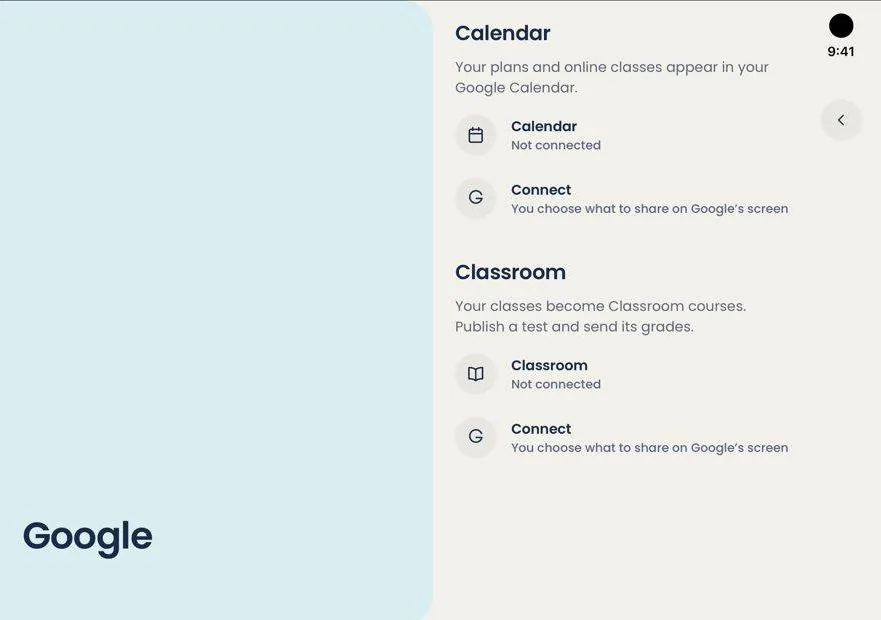
Google Classroom and Calendar
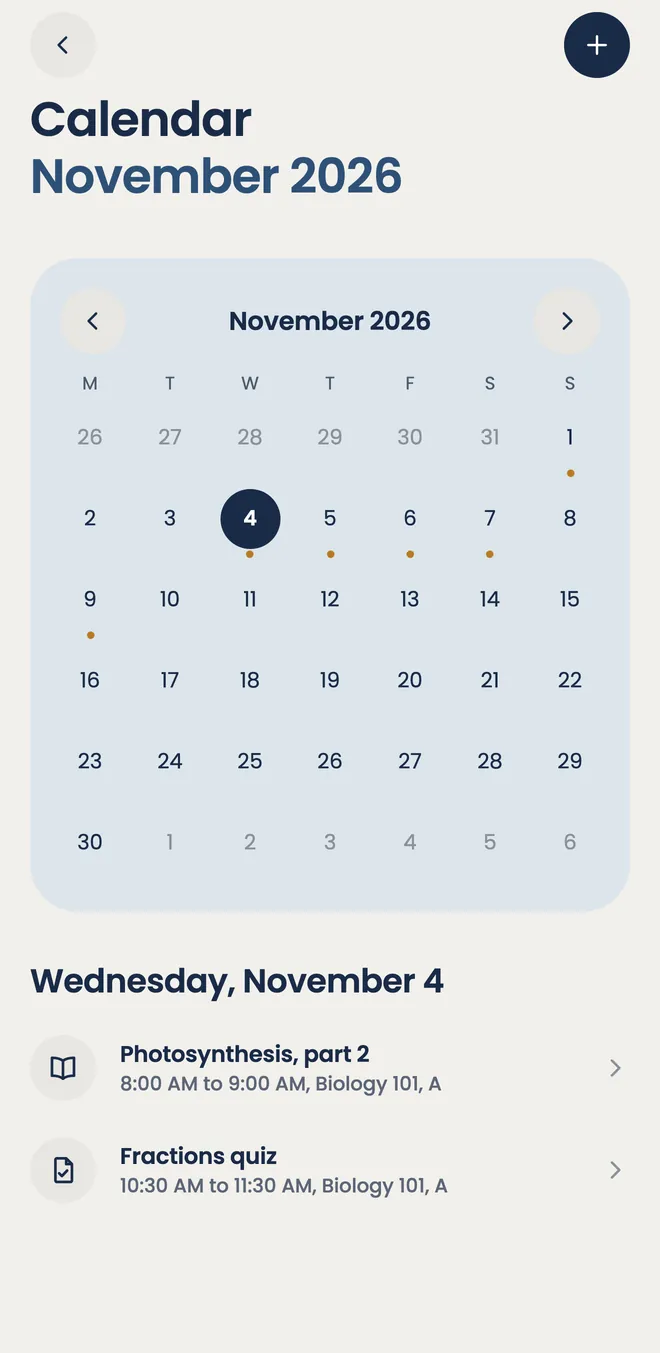
Link Classroom and your classes become Classroom courses. Publish a test and send its grades. Your plans and online classes show up in Google Calendar, so the week looks the same wherever you check it. You link Google from the phone app for now.
Wide screens, such as a browser or a book-style foldable, open these pages side by side.

Take it to your next class.
Sign in with Google or an email address. The same account works on your phone and in the browser.